A Wise account has enabled me to receive withdrawals from IBKR on the same day. Very handy indeed.
As I end up dealing with multiple currencies (mainly EUR, CAD, SEK, AED, INR), having a Wise account has become a life saver. Initially, of course there was reluctance in terms of trust & reliability, however, after starting with a few transfers of small amounts (few hundreds/thousands of dollars) to moving tens of thousands of dollars – Wise feels just like a bank, in fact a much faster, more modern bank. And yes, while Wise is regulated and all, building trust with money does take time.
Disclaimer: This is not a paid/sponsored post. I am sharing my own experience of using Wise.
The real game changer was when Wise and IBKR got together, enabling deposits and withdrawals. I recently tested a SEPA (EUR) withdrawal from IBKR to my Wise account and received the money within a few hours on the same day.
I also use digital debit cards available in the Wise app on my phone, so overall this whole setup is very neat.
Let’s look at how to make this work, assuming you already have a Wise account.
Log in to your IBKR client portal via their website:
https://www.interactivebrokers.com/

Enter your credentials and approve via 2 step authentication.
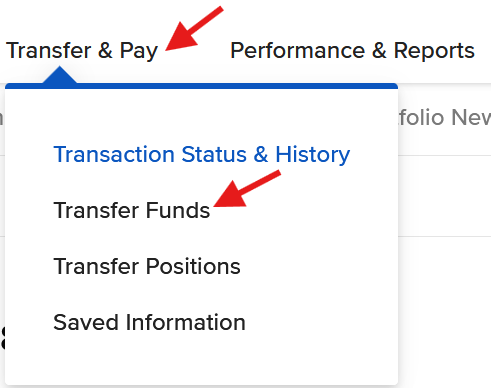
Click Transfer & Pay, then click Transfer Funds.
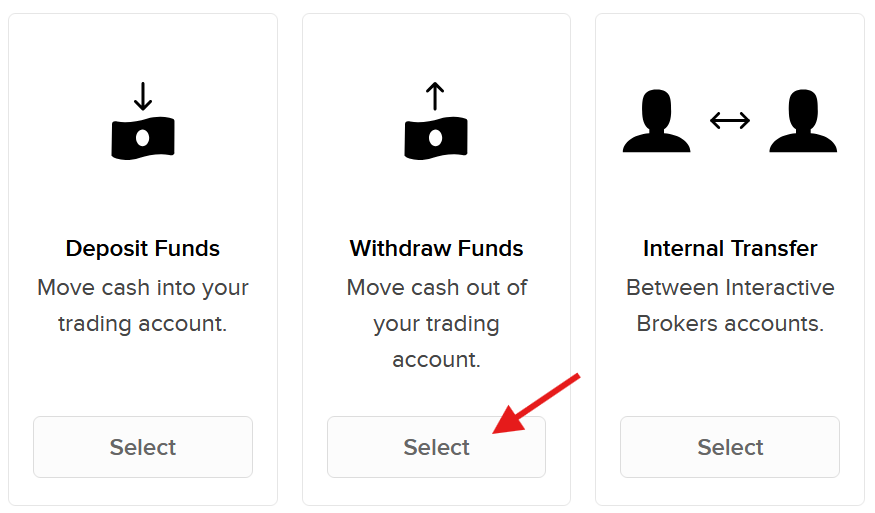
Click Select under Withdraw Funds.
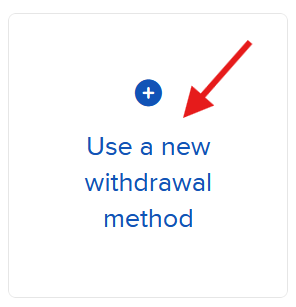
On the next screen, click Use a new withdrawal method.
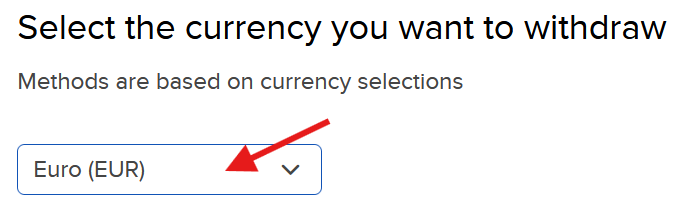
Choose EUR from the drop-down menu.
Click Use this Method. Note that first withdrawal per month is free of charge and subsequent withdrawals will cost EUR 1 each.
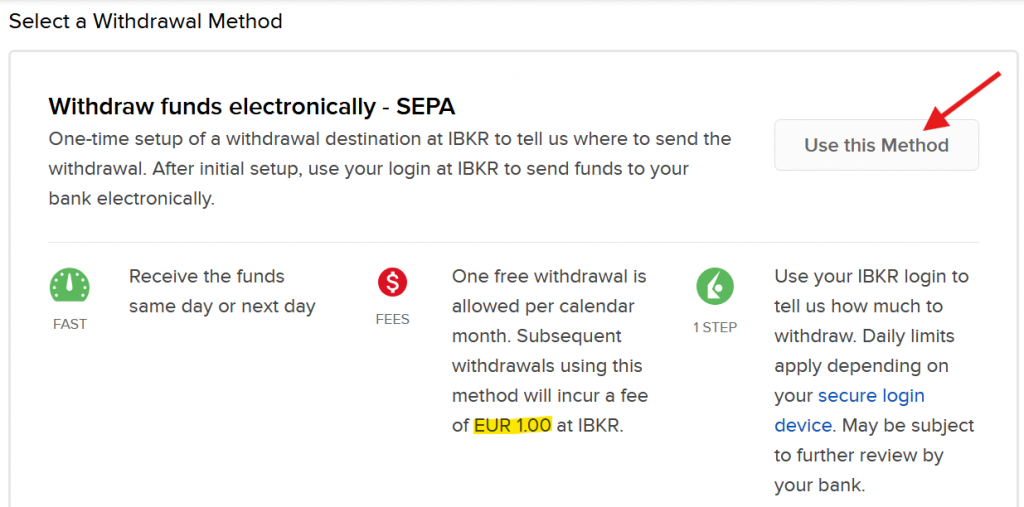
SEPA/Euro withdrawals are currently the cheapest in terms of subsequent withdrawals, i.e. if you plan to withdraw money multiple times a month, then EUR currency withdrawals are the most cost efficient (1 EUR) compared to other currencies.
SEK withdrawals cost 50 SEK and USD withdrawals incur 10 USD after the first withdrawal of the month.
Fill out the details of your EUR Wise account (mainly bank country and IBAN). You can find the Wise bank account details in your Wise app/account. Once you plug in the details, IBKR will recognize the bank and display the complete address and SWIFT code and assign a nick name.
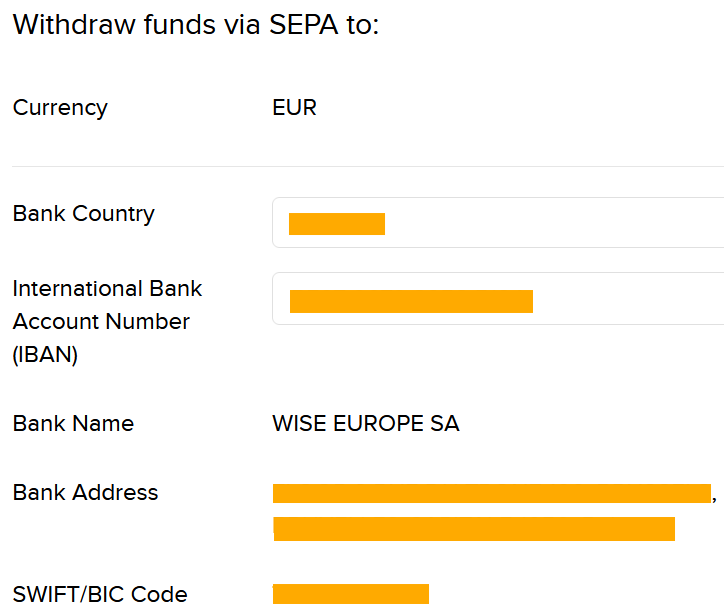
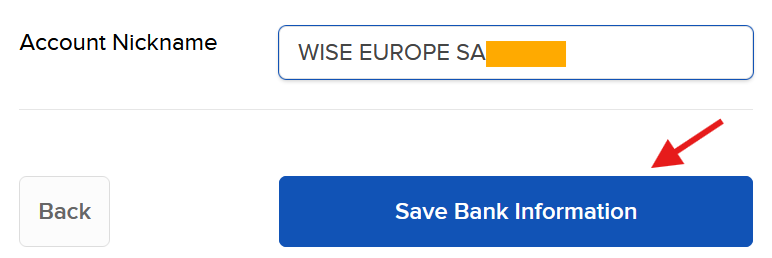
If everything checks out, click on Save Bank Information.
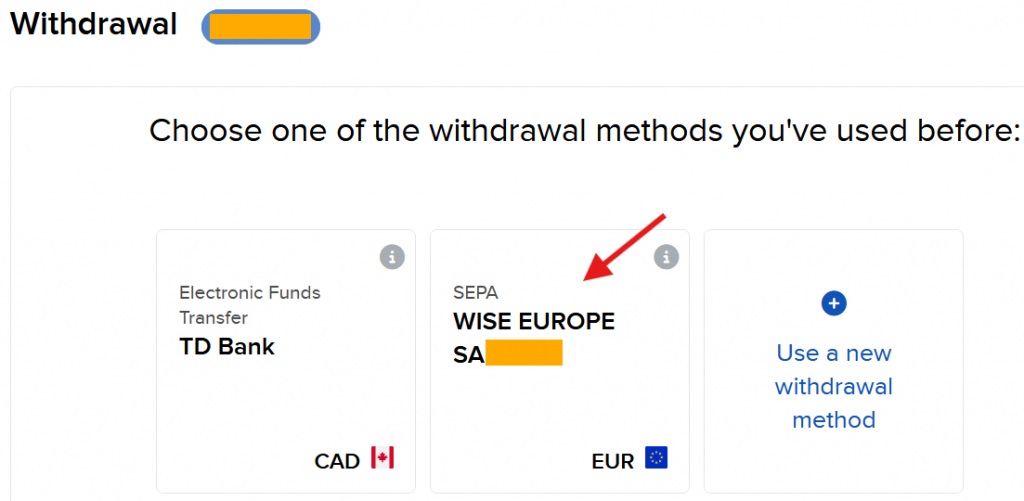
The new withdrawal method will be saved. Click on it to begin a withdrawal request.
Fill in the amount you want to withdraw, in this case I made a request for EUR 1,065.
On the next screen after clicking on Create Withdrawal, you will be required to enter user credentials and approve via 2 step authentication to confirm the withdrawal request.
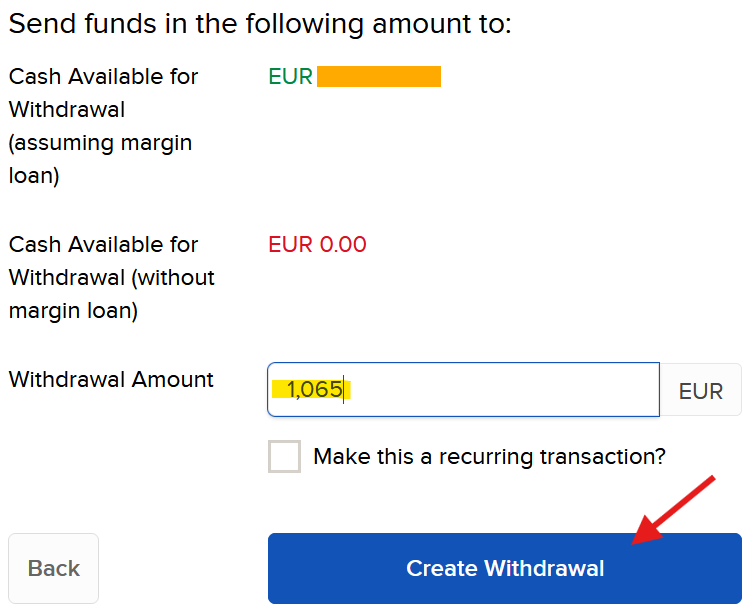
I initiated this request in the morning around 9am CET.

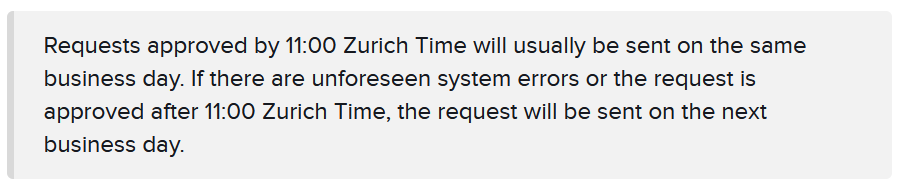
To my surprise, I got a notification on my phone from Wise in the afternoon (about 2pm CET) on the same day – the money has arrived and available for use.
Also, note the beauty of zero fees in Wise on incoming transactions.
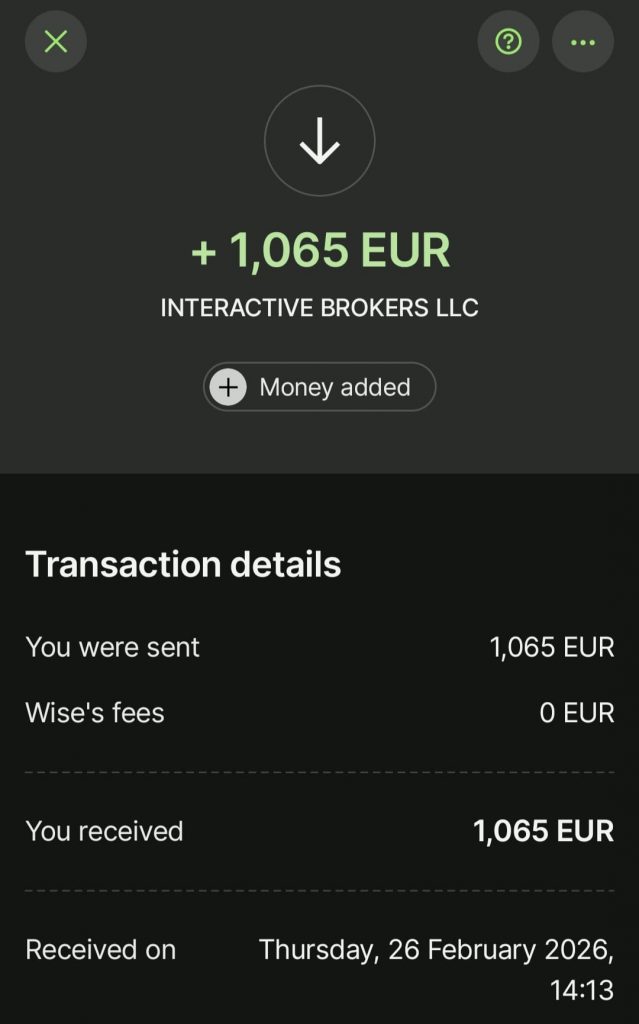
Brilliant – well done Wise and IBKR for making money transfer so quick & smooth.
Leave a Reply